
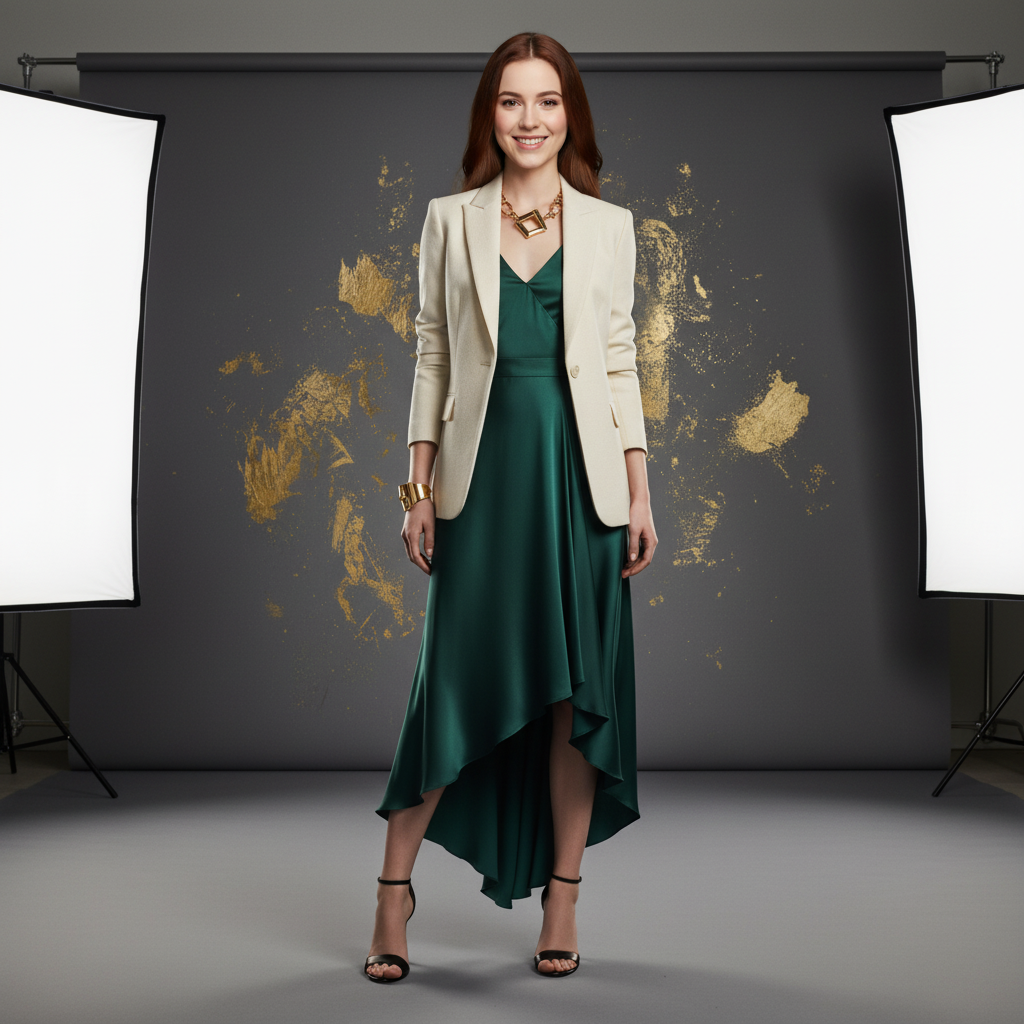
 🔄
🔄AI Body Swap
Swap faces onto different bodies with AI.
- ✓Realistic blending
- ✓Multiple body types
- ✓Quick processing
Upload your photo, choose a camera angle or add custom instructions, and let AI render a new perspective.
Upload Your Photo
JPG, PNG, WebP — max 10 MB
Max 300 characters
Output Format
Camera Settings
No angle selected — default Front View will be used
5 credits
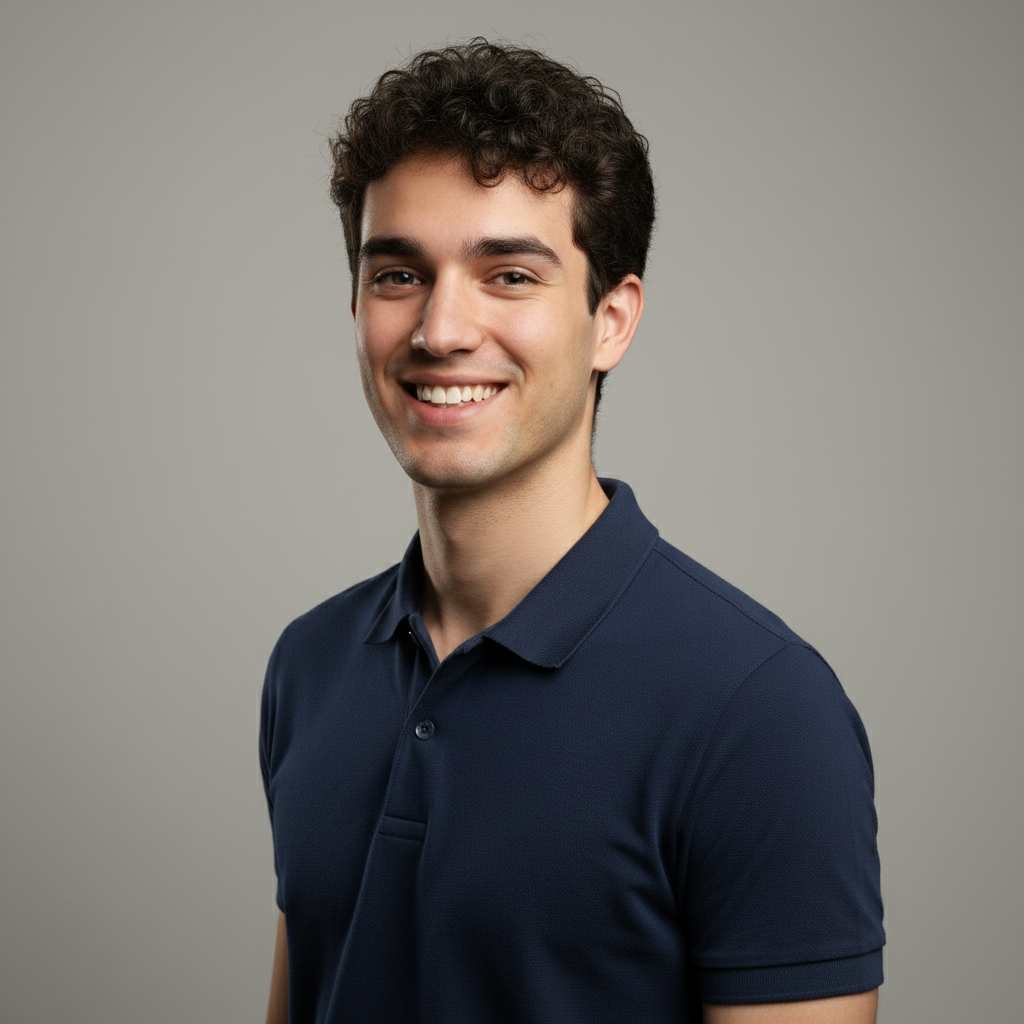
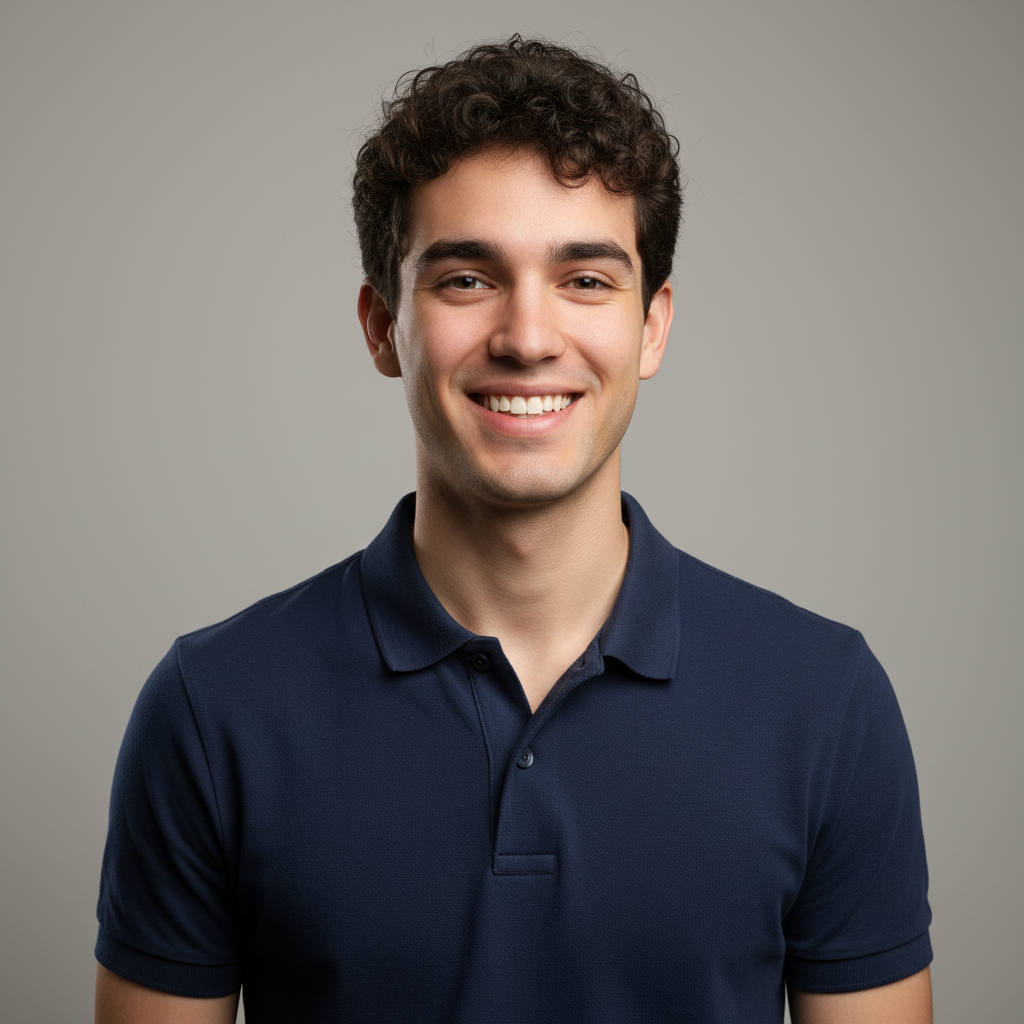
How It Works
Upload any photo. Clear, well-lit images with visible subjects produce the best angle transformations.
Pick from 10 camera angles — front, sides, back, top-down, low angle, three-quarter views, close-up, or wide shot.
AI renders your photo from the new camera perspective. Download the result and use it anywhere.
Why Use AI 3D Camera Control
Transform a single photo into multiple camera perspectives with AI-powered 3D rendering.
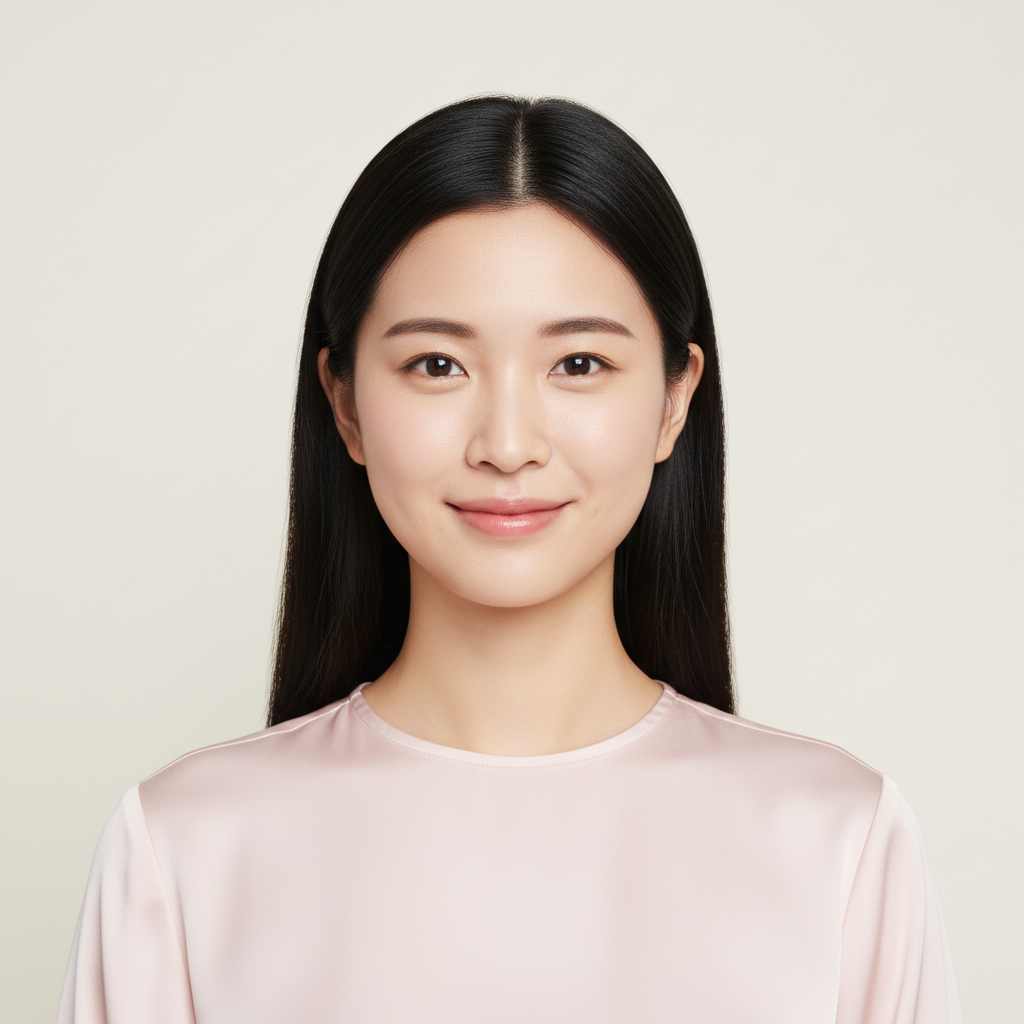 Before
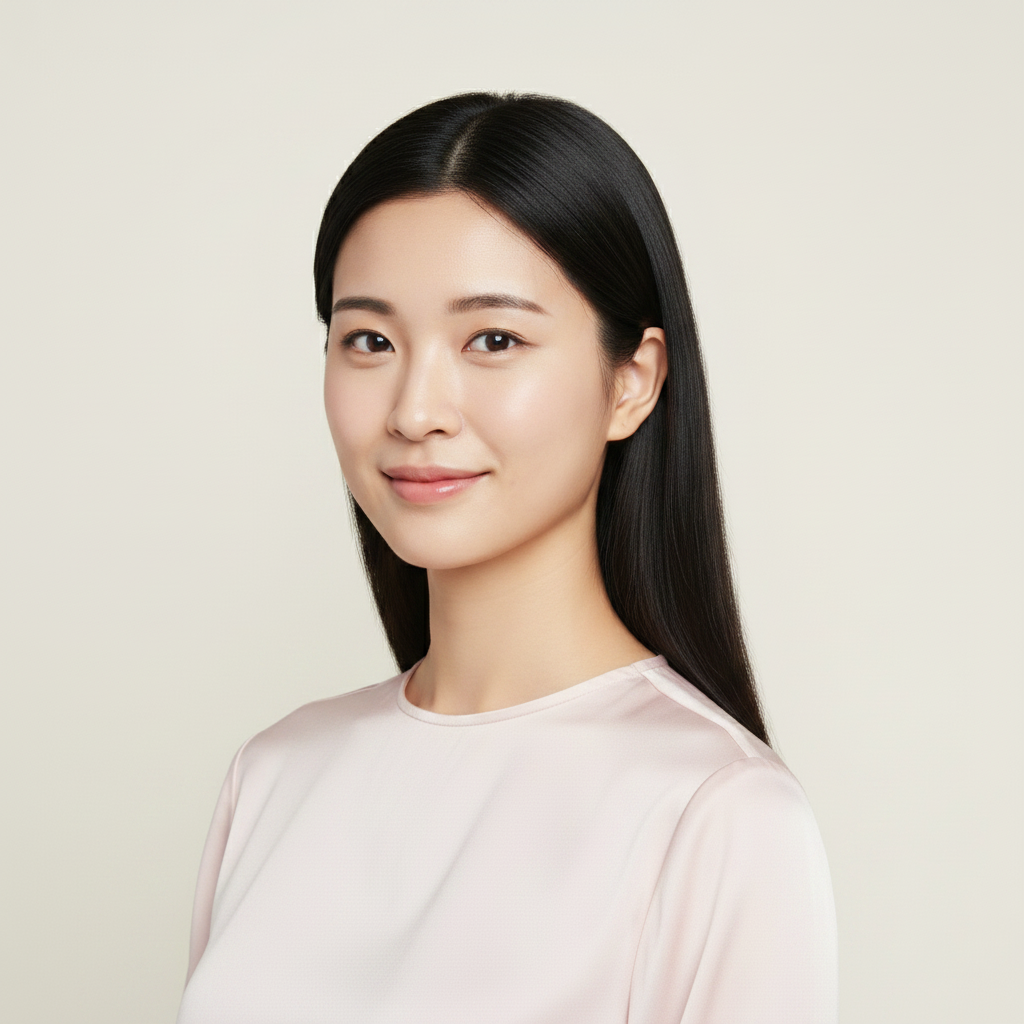 After
AfterChoose from front, left, right, back, top-down, low angle, three-quarter views, close-up, and wide shot perspectives.
AI preserves the person's features, clothing, and style across all camera angles for realistic results.
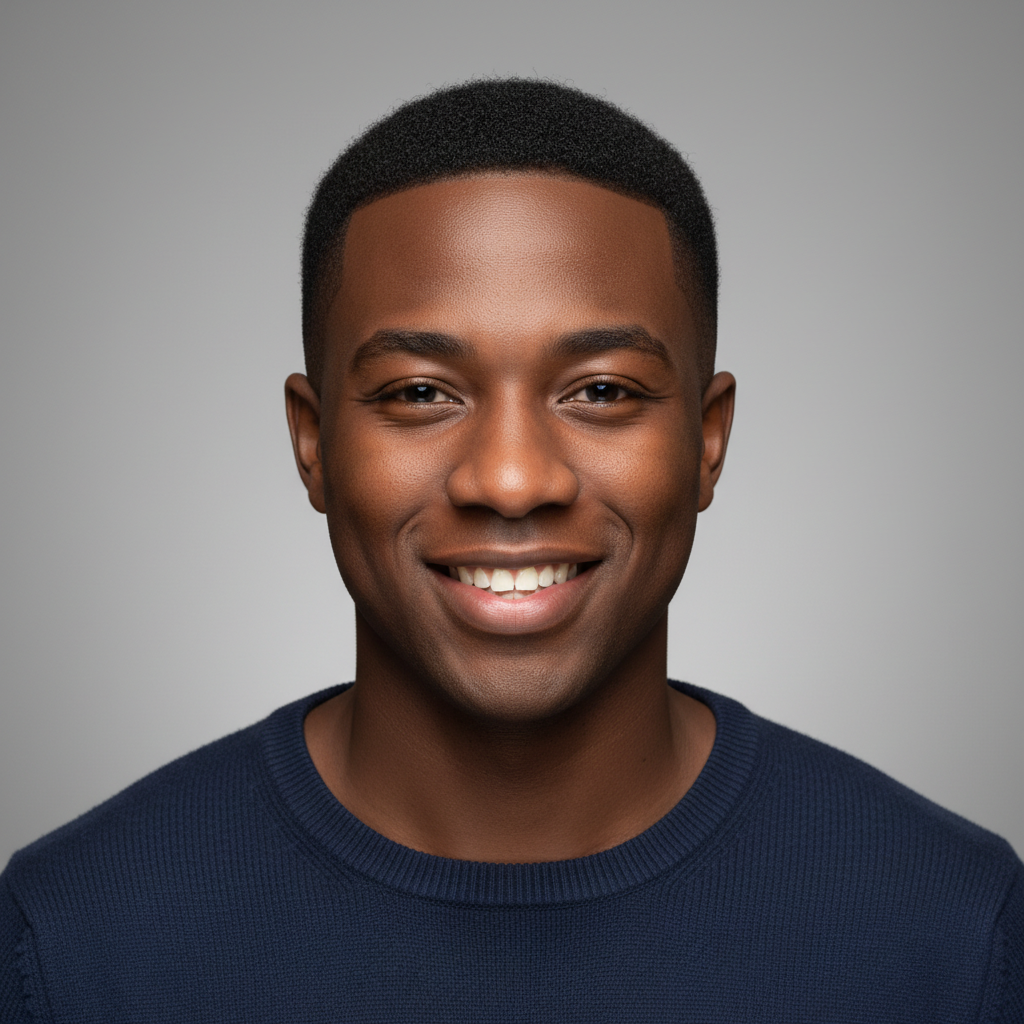 Before
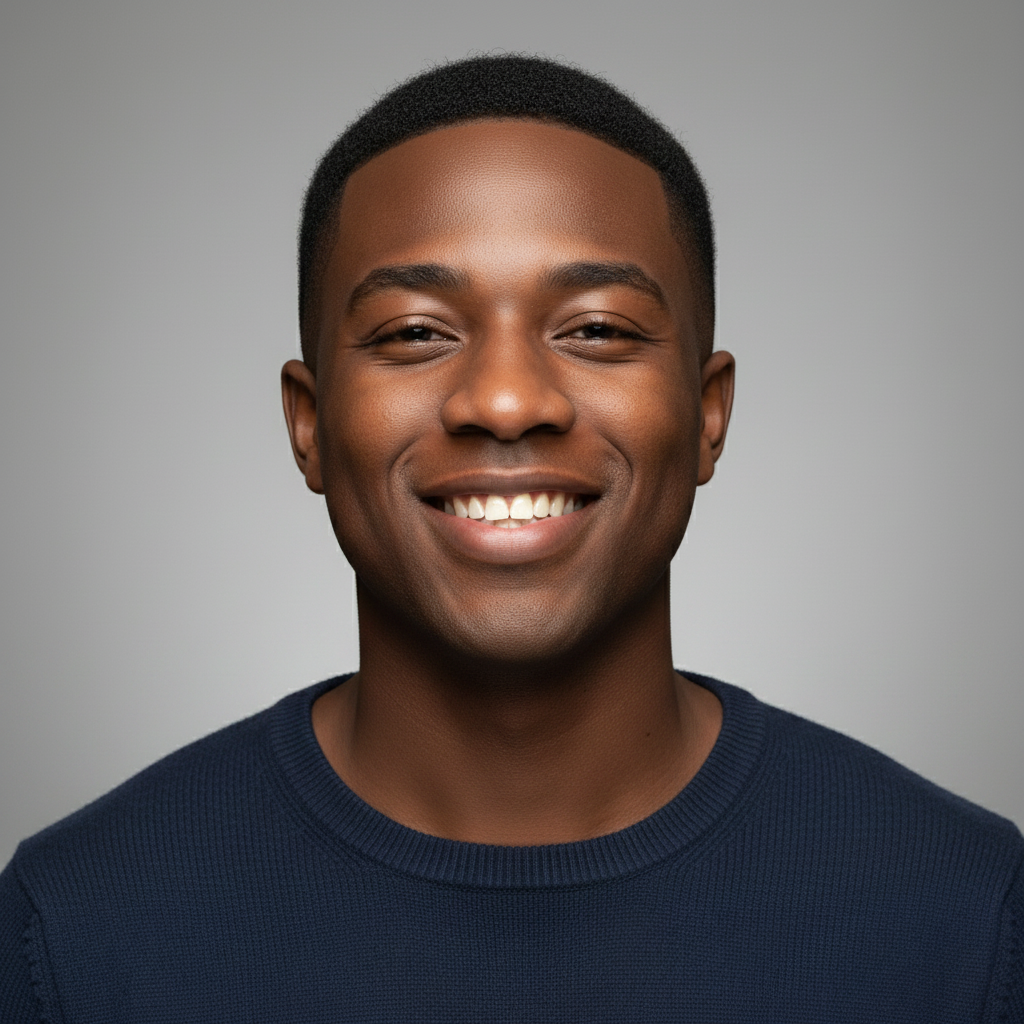 After
After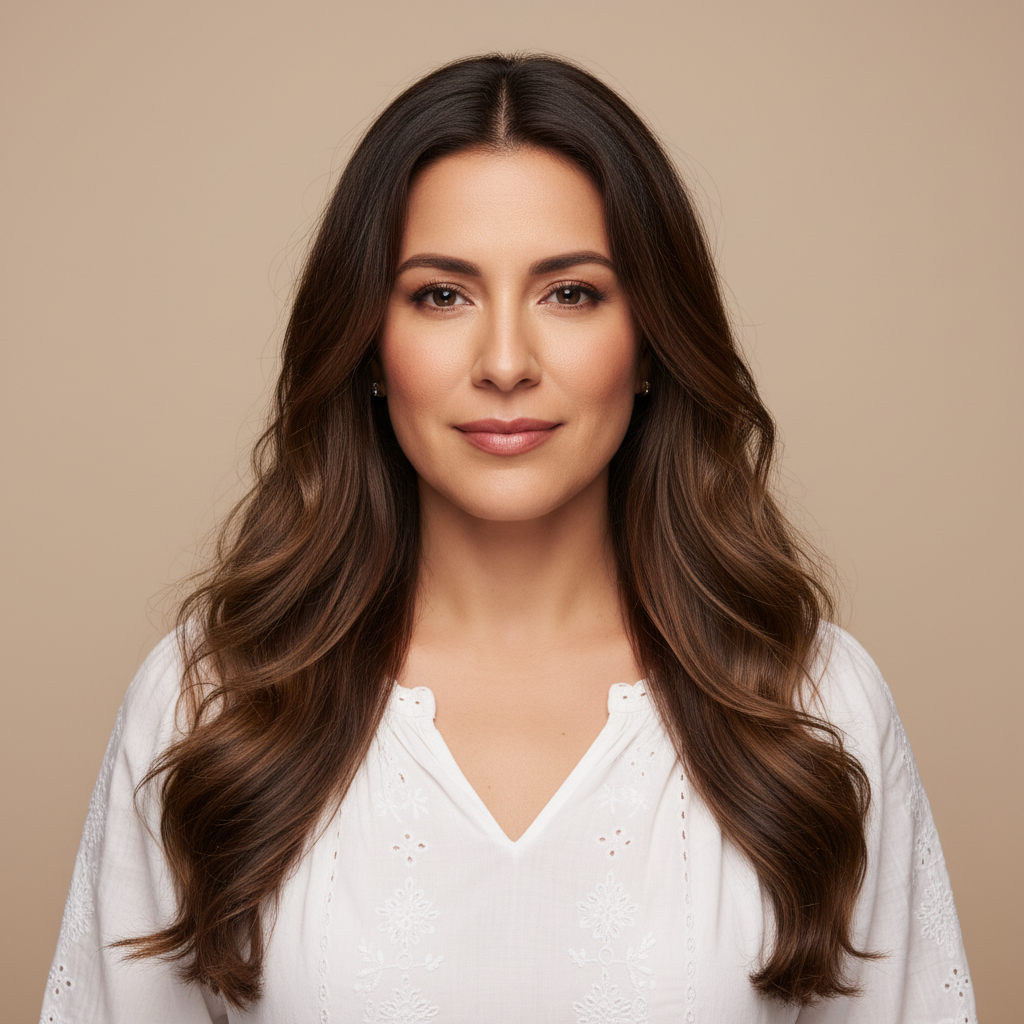 Before
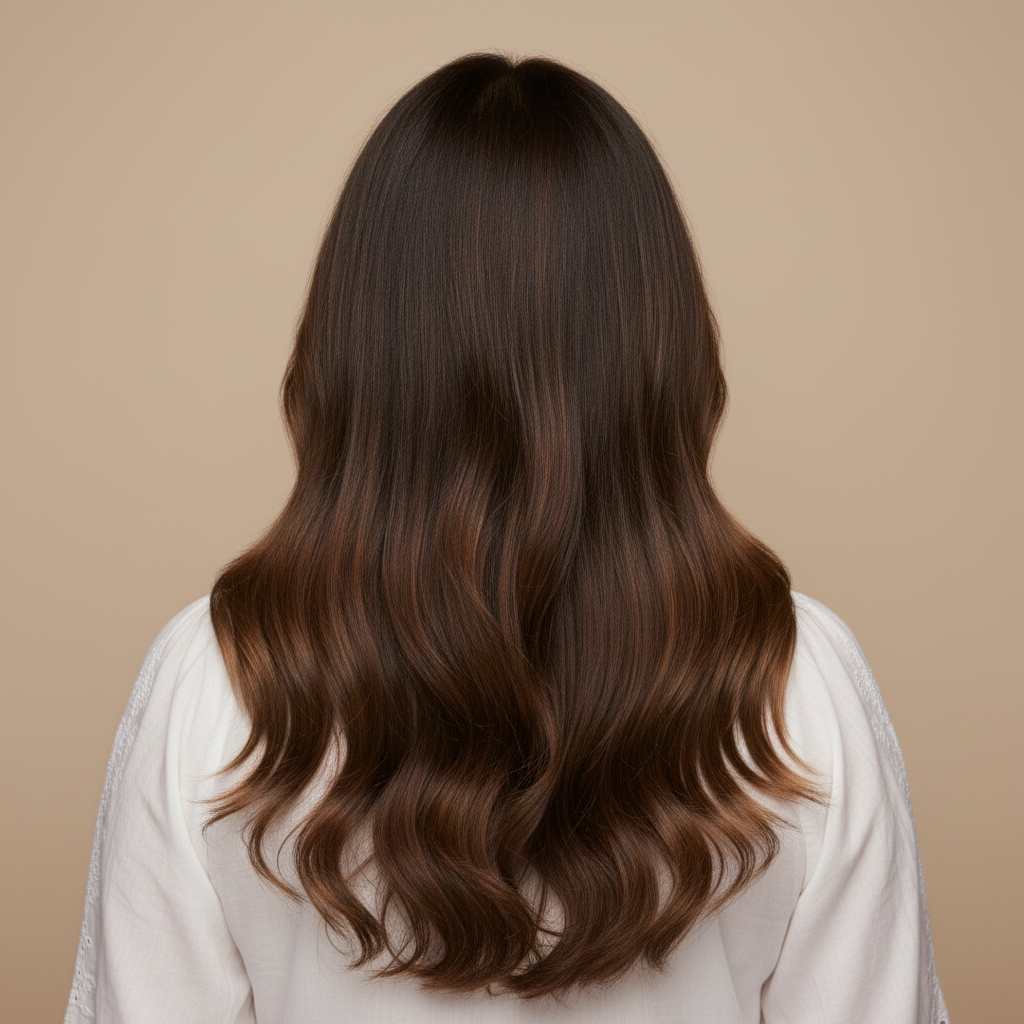 After
AfterAdd custom camera instructions for precise control over the exact angle and perspective you need.
FAQ
Everything you need to know about our AI 3D Camera Control tool.
Explore a variety of free AI tools to instantly enhance your photos, videos, and creative projects.
🔄Swap faces onto different bodies with AI.
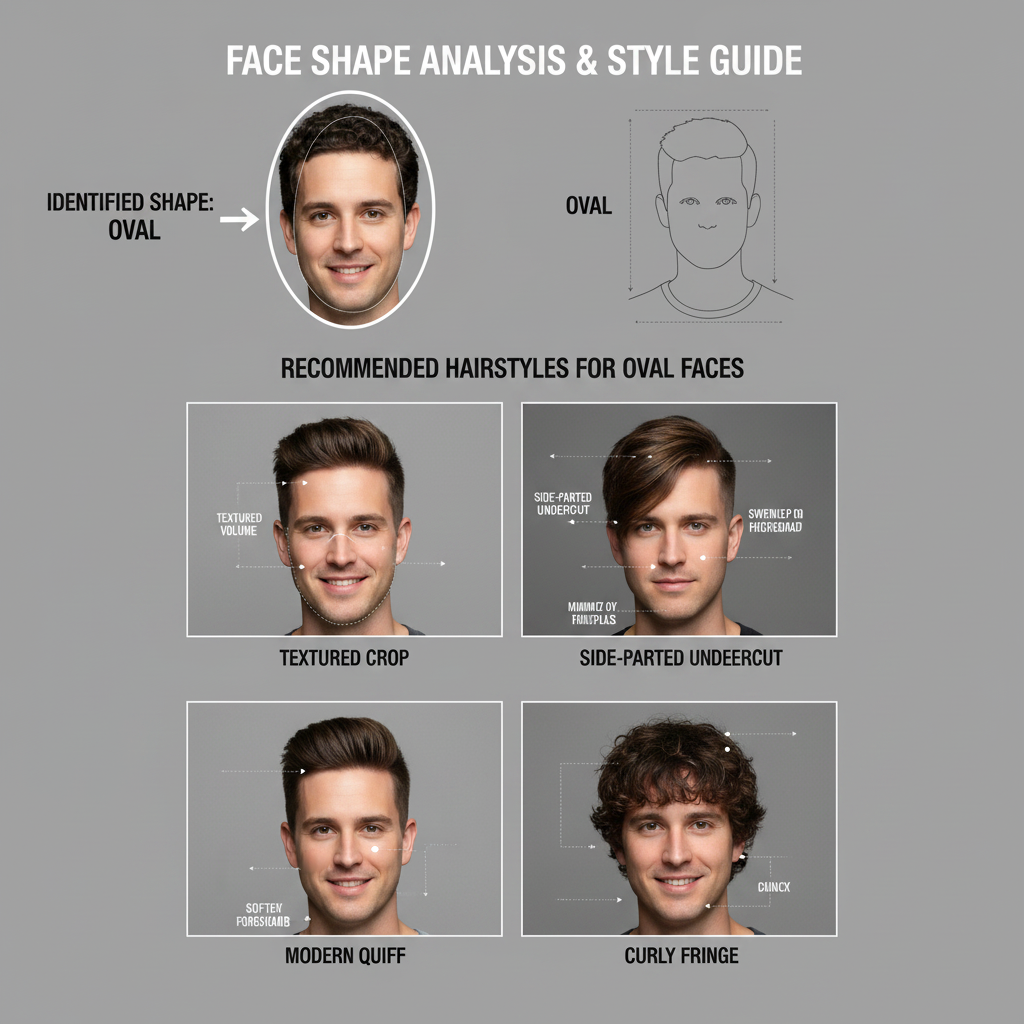 💇
💇Get AI-powered hairstyle analysis with personalized cut, color, and style recommendations.
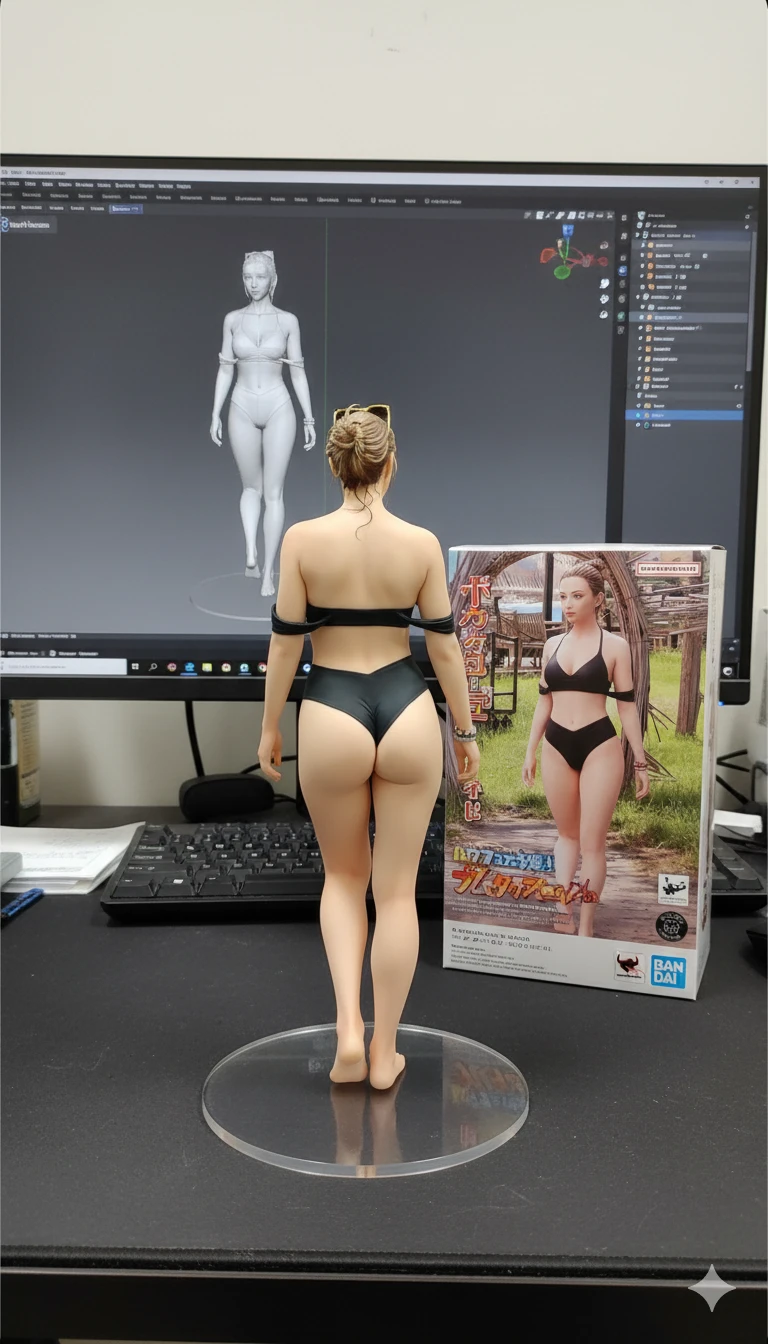 🎨
🎨Transform your photos into stunning AI-generated figures with various artistic styles.
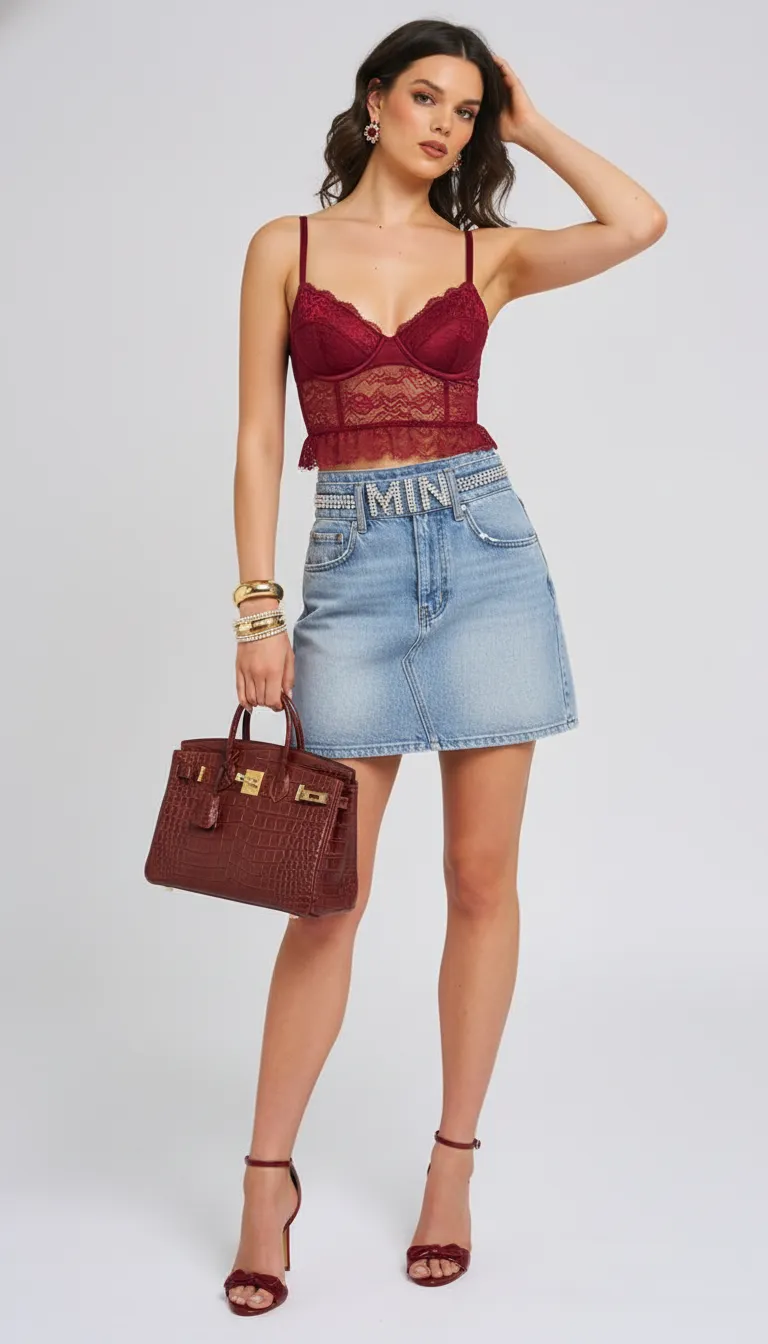 👗
👗Virtually try on different outfits and clothing styles on your photos.
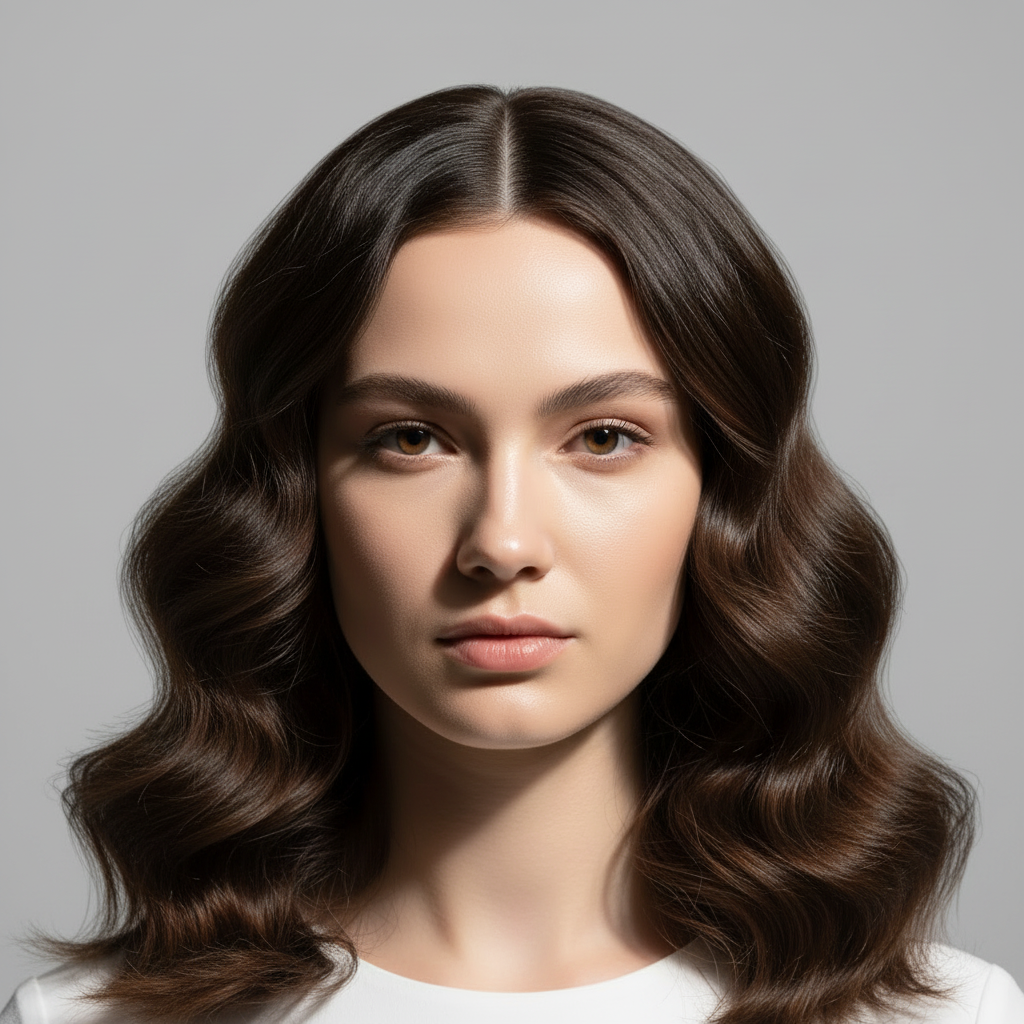 💇
💇Preview different hairstyles on your photo before visiting the salon.